
What Is a Phishing Attack?
A phishing attack is a message or webpage that impersonates someone you trust — your bank, your employer, a delivery service — specifically to trick you into handing over credentials, payment details, or system access. It's a con, not a technical exploit: the vulnerability being targeted is human trust, not a flaw in your software.
How a phishing attack works, step by step
Every phishing attack, regardless of channel, follows roughly the same four-stage anatomy — understanding it is more useful than memorizing examples, because the examples change every few months and the underlying structure doesn't:
-
The pretext
The attacker picks a scenario that justifies urgent action from a trusted source — an invoice, a locked account, a failed delivery, a message from "IT" about an expiring password.
-
The lure
A message is sent through email, text, a phone call, or a QR code, spoofing the sender identity closely enough to survive a quick glance, and applying time pressure so you act before you think.
-
The hook
A link to a cloned login page, a malicious attachment, or a request to "confirm" information over the phone — whatever gets the victim to hand over something valuable.
-
Capture and monetization
Credentials get tested against other services, sold in bulk, or used directly for wire fraud; malware payloads get used to deploy further tools, including ransomware, deeper into a network.
The reason this framework matters practically: almost every effective defense targets one of these four stages specifically, rather than trying to detect "phishing" as a single thing.
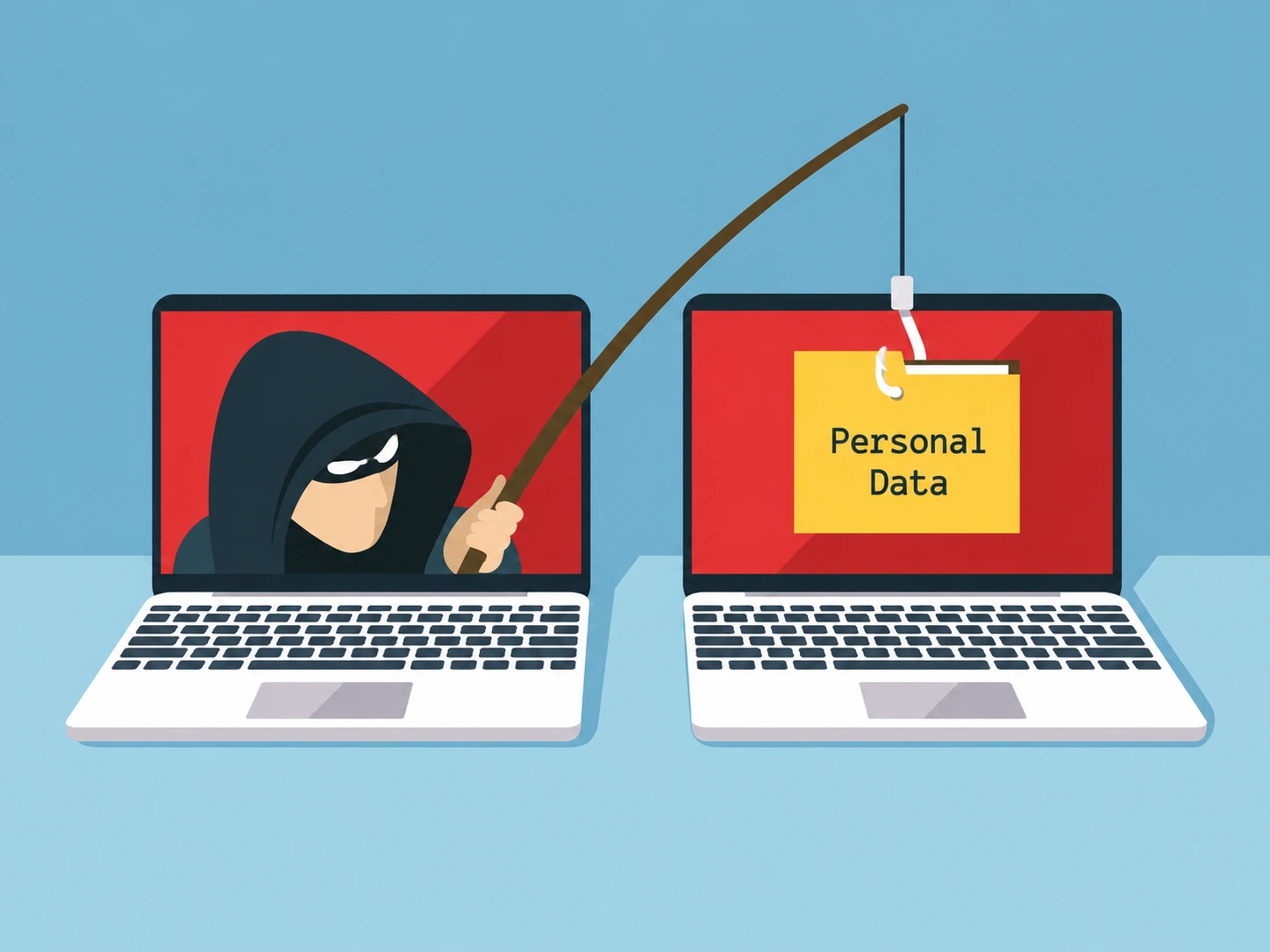
Types of phishing attacks
The core con is identical across all of these; only the delivery channel changes, usually to whichever channel currently has the weakest scrutiny.
Email phishing
Mass-sent, low-effort per message, relying on volume — the "your package couldn't be delivered" or "unusual sign-in" wave that shows up in inboxes by the thousands, usually timed to a season or event (tax deadlines, holiday shipping) where the pretext is already believable.
Spear phishing
Personalized using information pulled from social media, breach data, or a company directory, which makes the pretext far more convincing than a generic blast.
Whaling
Spear phishing aimed at executives or finance staff, usually to authorize a fraudulent wire transfer through business email compromise. The FBI's Internet Crime Complaint Center has tracked billions of dollars a year in reported losses from this category alone, and the message is often nothing more elaborate than a spoofed "CEO" asking finance to process an urgent payment.
Smishing
SMS-based, harder to inspect on a phone screen where full URLs and sender names are often truncated. A wave of these targeting employees with fake internal login pages was behind several high-profile corporate breaches in 2022 and 2023, including one where a single employee's credentials and one-time code, entered on a convincing fake page, were enough to get an attacker into internal support tools.
Vishing
Voice-call phishing, increasingly paired with spoofed caller ID and, more recently, AI-generated voice cloning. A 2023 casino-industry breach that made national news started with a phone call to an IT help desk — the caller convincingly impersonated an employee, talked the desk into resetting a password, and the resulting ransomware attack was estimated to cost the company well over $100 million.
Quishing
Phishing delivered via QR code, in emails, physical flyers, or fake stickers slapped over real ones on parking meters — a scam pattern common enough that the FTC has issued consumer alerts specifically about it. It exploits the fact that most email security scanners inspect URLs as text; a QR code's destination is embedded in an image, invisible to that kind of automated link scanning until it's decoded.
Clone phishing
A near-identical resend of a real, previously legitimate email, with the original link or attachment swapped for a malicious one.
What a phishing URL actually looks like
Most people picture a phishing link as something obviously wrong — misspelled gibberish, a string of random characters. The ones that actually work are built to survive a quick glance, which is all most of us give a link before tapping it. Below is a real login link next to five patterns that show up constantly, side by side, so the difference is something you can see rather than something described in the abstract. None of these are live links. They're built to show the pattern, not to be clicked.
A shortened link (a bit.ly or t.co address) is a different problem:
it hides the destination completely until you either click it or expand it first through the
shortening service's own preview feature. A shortener showing up inside an unsolicited
message — an SMS, a DM, an unexpected email — is reason enough on its own to check before
tapping, since legitimate businesses rarely need to shorten a link they're sending you directly.
How phishing gets around two-factor authentication
Standard advice says two-factor authentication stops phishing. Against modern attack kits, that's no longer reliably true. Adversary-in-the-middle (AiTM) phishing kits — Evilginx is the best-known example in this category — don't just clone a login page's appearance. They act as a live reverse proxy sitting directly between the victim and the real service, relaying every request and response in real time.
When the victim enters a password and then approves a push notification or types in a one-time code, that entire exchange passes straight through to the real service — which authenticates it successfully, because it's genuinely correct. The service then issues a valid, authenticated session cookie back through the same relay, and the attacker captures that cookie directly. From that point on, the attacker has a live, already-authenticated session — no password needed again, no further MFA prompt required, because from the real service's point of view, nothing suspicious happened at all.
MFA fatigue: the technique that skips fooling you entirely
Also called push bombing, this works by triggering repeated push-approval prompts on your phone, often at 2 a.m., until you tap "approve" just to make the notifications stop — or the attacker follows up with a call or message posing as IT support, saying the prompts are a known glitch and to approve one to clear it. It doesn't need a fake page or a freshly stolen password if one was already bought off a dark-web marketplace; it just needs you tired enough to tap once. A 2022 breach at a major ride-sharing company started exactly this way — a contractor's leaked password plus a flood of push prompts, followed by a WhatsApp message posing as IT, was enough to get an attacker fully inside the company's internal systems.
Warning signs of a phishing attempt
Some advice repeated in basic security training genuinely helps; some of it is outdated or flatly wrong.
Sender mismatch
The display name says "Bank Support," but the actual email address behind it is unrelated — always check the real address, not just the name shown.
Look-alike domains
A subdomain trick, a typosquat, or a homograph swap — the kind covered in detail above, all designed to survive exactly the glance you're giving them.
Recently registered domains
A domain created days or weeks ago impersonating an established company is a meaningful red flag, checkable through our own WHOIS lookup tool or any public registry.
Manufactured urgency
"Your account will be suspended in 24 hours" exists specifically to short-circuit careful reading.
The one that doesn't hold up: the padlock icon or "https://" in the address bar. Free, automated certificate authorities like Let's Encrypt issue valid encryption certificates to any domain, including one registered five minutes ago for a phishing campaign. HTTPS confirms the connection is encrypted in transit — it says nothing about who controls the server on the other end. Treat the padlock as meaningless for judging trust; it was never designed to signal that in the first place.
What to do with a suspicious link or message
Handling one of these calmly comes down to not doing the one thing the message is designed to make you do: act immediately, without checking.
-
Don't click yet
On a computer, hover over the link without clicking and read the destination shown in your browser's status bar. On a phone, press and hold the link to preview the address instead of tapping straight through.
-
Read the domain, not the brand name
Find the first single slash after "https://" — the domain is whatever sits directly before it. Everything to the left of that, including a familiar brand name, can say anything an attacker wants it to.
-
Still unsure? Check it before you visit it
Paste the link into our Phishing Link Detector, which checks it against live blocklists and structural signals like domain age and homograph characters — fetched server-side, so your own browser never has to load the page yourself.
-
Verify through a channel the message didn't give you
Open your banking app directly instead of tapping the link, or call the number on the back of your card — never a number or link supplied inside the message itself, since a convincing fake message can just as easily contain a convincing fake phone number.
-
Report it, then delete it
Use your email client's built-in "report phishing" option, forward it to the Anti-Phishing Working Group, or file a report at reportfraud.ftc.gov if money or personal data was involved. A work account gets reported to your IT or security team first, even if you're only half sure it's real.
If you clicked through and landed on the page but haven't typed anything into it, close the tab and move on — a phishing page only does something once you actually give it data. If you did enter a password, a code, or payment details, the next section covers what that means and what to do about it.
What happens if you click a phishing link
The outcome depends heavily on what was actually captured. If a password was typed into a cloned login page, it gets tested immediately against other popular services — a far bigger risk if that password was reused anywhere, since credential-stuffing tools automate exactly that check within minutes of a new haul. Running the entered password through our password strength checker is a reasonable first move if you're unsure whether it's strong enough to have survived the attempt.
If the kit used was an AiTM proxy, the far more serious outcome is a stolen live session — meaning the attacker didn't just get a password, they got standing access to the account as it already existed, MFA and all, until that session is manually revoked. If a malicious attachment was opened rather than a link clicked, the concern shifts to whatever payload ran locally — commonly an infostealer designed to harvest saved browser passwords and cookies directly off the device, which is a different and often worse problem than a single phished credential.
How to protect yourself from phishing
The steps above handle a single suspicious message. These are the structural changes that make you a harder target in general, in rough order of how much they actually help.
Passkeys or hardware security keys
Use these wherever the option exists — the only method here that structurally defeats both AiTM relay attacks and MFA fatigue, not just casual phishing.
A password manager that only autofills on the exact right domain
This is a genuinely underrated defense: on a convincing look-alike domain, a password manager will simply refuse to offer autofill at all, because the origin doesn't match — a practical tell that's easy to miss typing manually but nearly impossible to miss once you're used to a manager filling things automatically. Our password strength checker is a reasonable place to start if you're not already using one.
Your browser and email provider's built-in filtering
Safe Browsing warnings, spam folders, "this looks suspicious" banners — these catch the bulk of low-effort, mass-sent phishing automatically. Treat them as a baseline that quietly handles the easy cases, not a reason to stop checking the harder ones yourself; a domain registered an hour ago hasn't been flagged by anything yet.
For organizations: DMARC, SPF, and DKIM
These email-authentication standards make it substantially harder for an attacker to send mail that appears to come from your own company's domain. CISA's DMARC guidance is a reasonable starting point if your organization hasn't set these up yet.
What's the actual difference between phishing and spam?
Spam is unwanted bulk marketing — a real company's mailing list you never joined. Phishing is impersonation with intent to steal: the message pretends to be your bank, your employer's IT desk, or a delivery service, specifically to get your credentials, payment details, or system access. Spam wastes your time. Phishing is trying to actively compromise you.
Does the padlock icon or HTTPS mean a website is safe?
No, and this is one of the most persistent myths in basic security advice. HTTPS and the padlock only confirm the connection between your browser and the server is encrypted — they say nothing about who controls that server. Free, automated certificate authorities like Let's Encrypt will issue a valid TLS certificate to a phishing domain registered five minutes ago just as readily as to a legitimate bank. The padlock proves the traffic can't be eavesdropped on in transit. It proves nothing about the destination's intent.
Can a phishing attack actually bypass two-factor authentication?
Yes — specifically adversary-in-the-middle kits like Evilginx, which sit between you and the real login page and relay your password and one-time code through to the real service in real time, then steal the session cookie that comes back. The section above walks through exactly how that works. Short version: SMS codes and app push approvals don't stop it, but a hardware passkey does, because a passkey checks the domain, not just the person.
I already entered my password on a site I now think was phishing. What should I do?
Change that password immediately, on the real site, typed manually rather than via any link from the suspicious message. If you reused that password anywhere else, change it there too — credential-stuffing tools test leaked passwords against other services within minutes of a breach. Run it through our password strength checker if you're unsure it was strong enough to have survived that, and if your account offers a passkey or security key instead of SMS-based 2FA, switch to it while you're there. A work account gets reported to IT immediately, not after you've waited to see if anything happens.
Is falling for a phishing attack illegal, or am I just a victim?
You're the victim of a crime, not a participant in one. The person who sent the message is committing fraud, and in most jurisdictions, computer-crime and wire-fraud statutes too. The rare exception is being coerced into knowingly forwarding the attack to others yourself.
How did an attacker get my email address or phone number in the first place?
Almost always from a data breach at some completely unrelated company — a leaked customer database, a scraped LinkedIn export, a breached forum account — rather than anything specific you did. Contact details from breaches get aggregated, resold, and combined across sources into large target lists. That's also why checking a service like Have I Been Pwned for your email is a reasonable first move whenever the phishing volume aimed at you suddenly picks up.
How do I check if a shortened link (bit.ly, t.co, tinyurl) is safe before clicking it?
Most shortening services have a preview option — adding a "+" to the end of a bit.ly link, for instance, shows the destination without visiting it. Otherwise, paste the shortened link into our own Phishing Link Detector, which expands it, checks the destination against live blocklists, and runs it through several other structural signals before you ever visit it yourself. A shortener inside an unsolicited message is reason enough to check first — legitimate businesses rarely need to shorten a link in an email.
What's the real difference between typosquatting and a homograph attack, since they look similar?
Typosquatting relies on a plain typing mistake — paypa1.com instead of paypal.com, using a digit that resembles a letter, something you could technically type by accident. A homograph attack is more deliberate: it uses a character from a different alphabet (a Cyrillic "а" instead of a Latin "a," for example) that renders as visually identical in most fonts, so there's no actual typo to make — the domain just isn't built from the letters it appears to be. Both end up looking right at a glance. The tell for a homograph domain is checking its punycode form, the "xn--" version browsers can reveal, which shows what the domain actually is underneath the disguise.