
7 WhatsApp privacy features you should know about
WhatsApp ships more privacy controls than its settings menu makes obvious, and several of the strongest ones — a secret code for Chat Lock, IP protection during calls, per-chat export blocking — arrived in the last two years and are still off by default for most accounts. Here's what each one actually does, where it falls short, and how to turn it on.
On this page
- End-to-end encryption verified with a security code
- Chat Lock with a secret code (not just a fingerprint)
- Advanced Chat Privacy, per conversation
- IP address protection during calls
- Disappearing messages and view once media
- Passkeys and two-step verification
- Granular control over who can find and add you
1. End-to-end encryption, verified with a security code
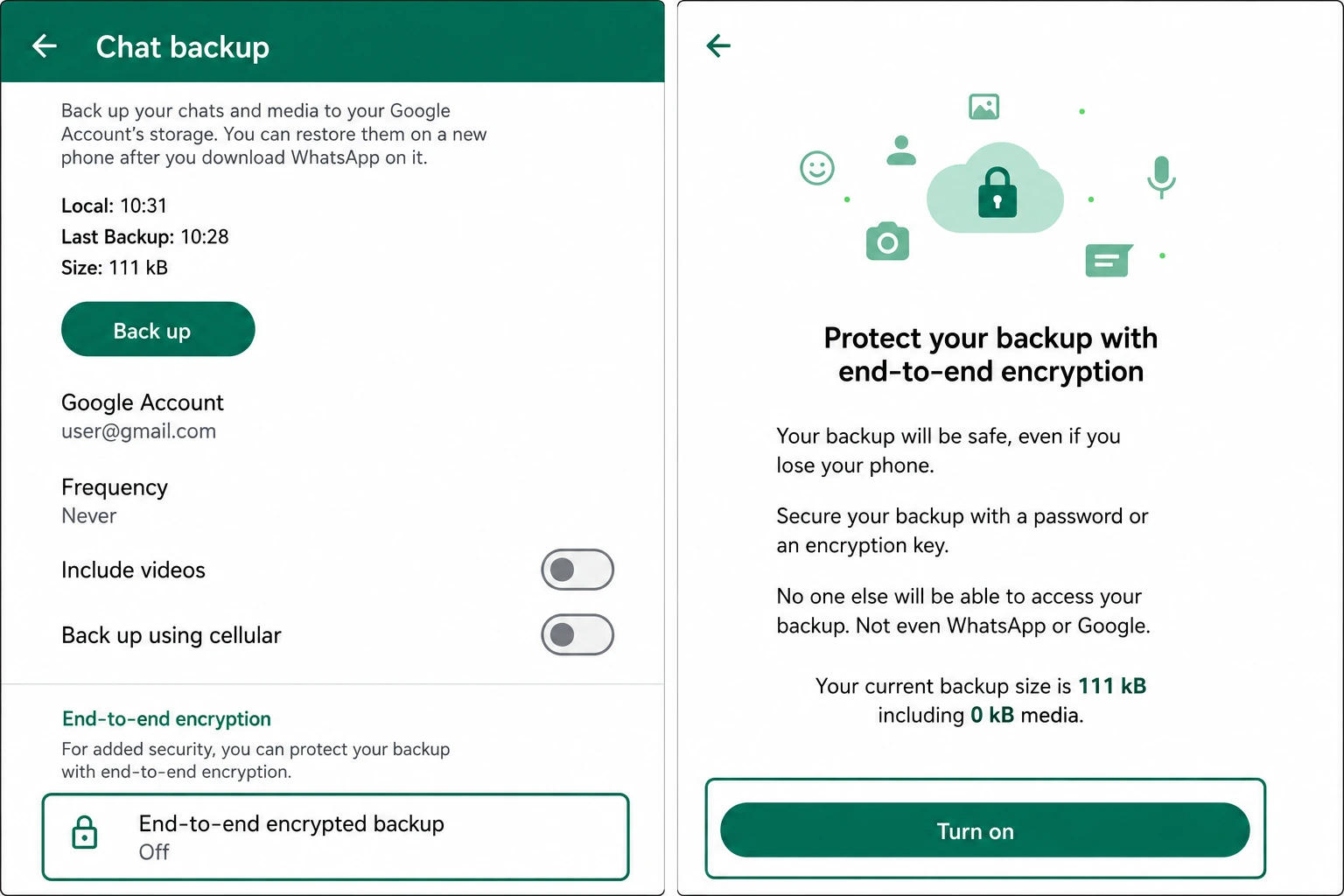
Every personal chat and call on WhatsApp is protected by the Signal Protocol, the same double-ratchet encryption scheme used in Signal itself. Keys are generated and stored only on the two devices in the conversation, so Meta's servers relay encrypted data they cannot decrypt, and this applies automatically — there's no toggle to turn it on because it's never off for standard chats.
The part almost nobody checks is the verification step that proves encryption hasn't been tampered with. Open a chat, tap the contact's name, then Encryption, and WhatsApp shows a 60-digit security code (also renderable as a QR code) unique to that conversation. Compare it in person or over a separate trusted channel with the other person's copy. If the codes match, no one — including a compromised server or a man-in-the-middle — is intercepting the key exchange. If a contact reinstalls WhatsApp or switches phones, the code changes and you'll see a "security code changed" notice; that's expected, but it's also exactly what an interception attempt would look like, which is the entire reason the manual comparison feature exists.
2. Chat Lock with a secret code — not just a fingerprint
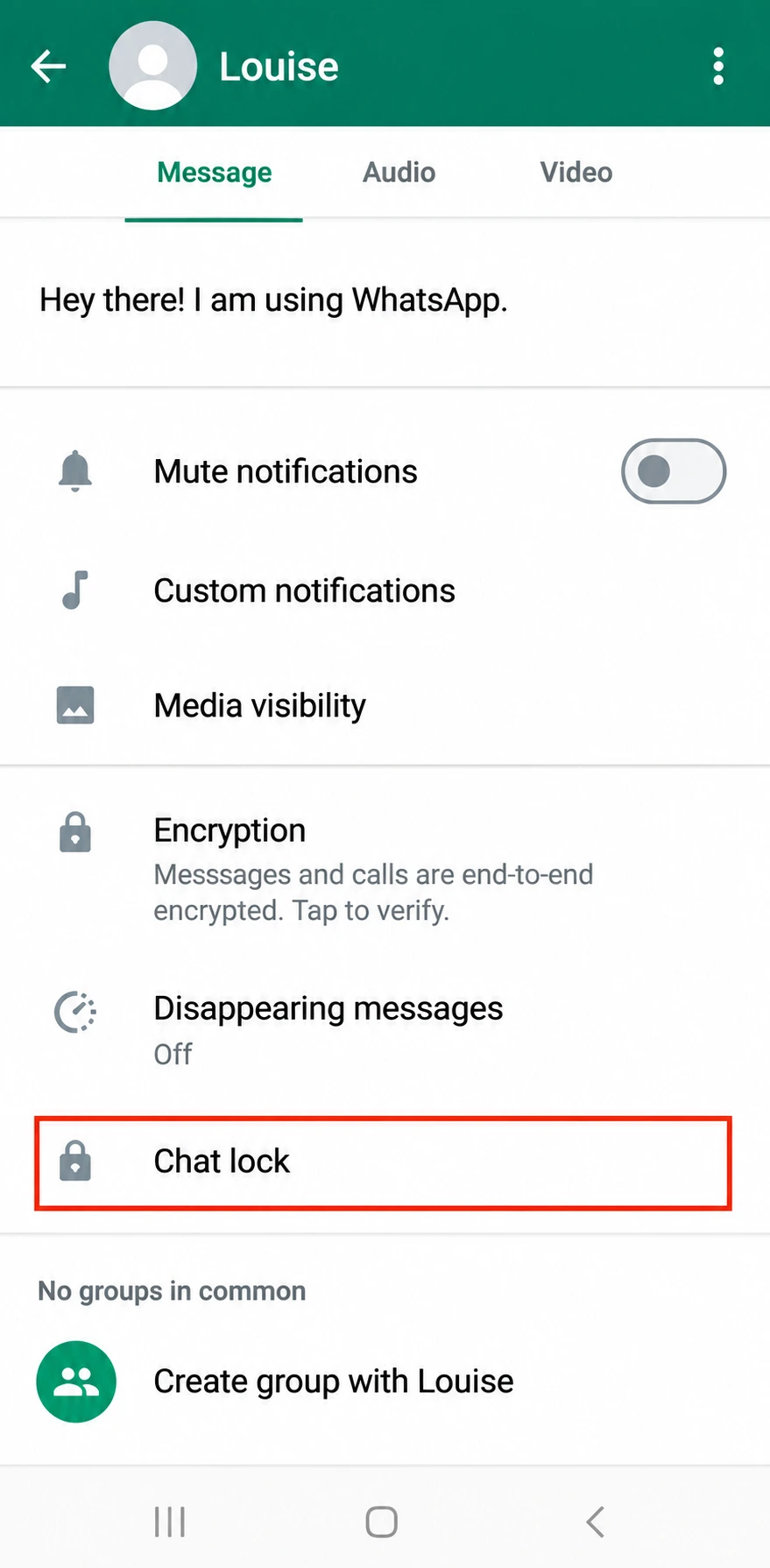
Chat Lock, introduced in mid-2023, moves an individual conversation into a separate Locked Chats folder that requires your fingerprint, face recognition, or phone PIN to open. What most users miss is the follow-up feature added afterward: a custom secret code that can replace biometrics entirely, plus a toggle — Settings > Chats > Chat Lock > Secret Code > Hide Locked Chats — that removes the Locked Chats folder from the chat list altogether.
Without that last toggle, someone holding your unlocked phone still sees a folder labeled "Locked Chats" — proof that something is being hidden, even if they can't get inside it. With the secret code and hide option both enabled, the folder disappears completely and only resurfaces when the exact code is typed into the search bar at the top of the chat list. That's a meaningful difference between deterring casual snooping and providing actual plausible deniability that a hidden conversation exists.
One limitation worth knowing: Chat Lock is a per-device setting. Locking a chat on your phone does nothing to a linked session open on WhatsApp Web or Desktop unless you lock it there separately, and notifications previews for locked chats are suppressed by default but can be re-enabled individually — check that you haven't turned previews back on if the point of locking the chat was to keep its content off your lock screen.
3. Advanced Chat Privacy, applied per conversation
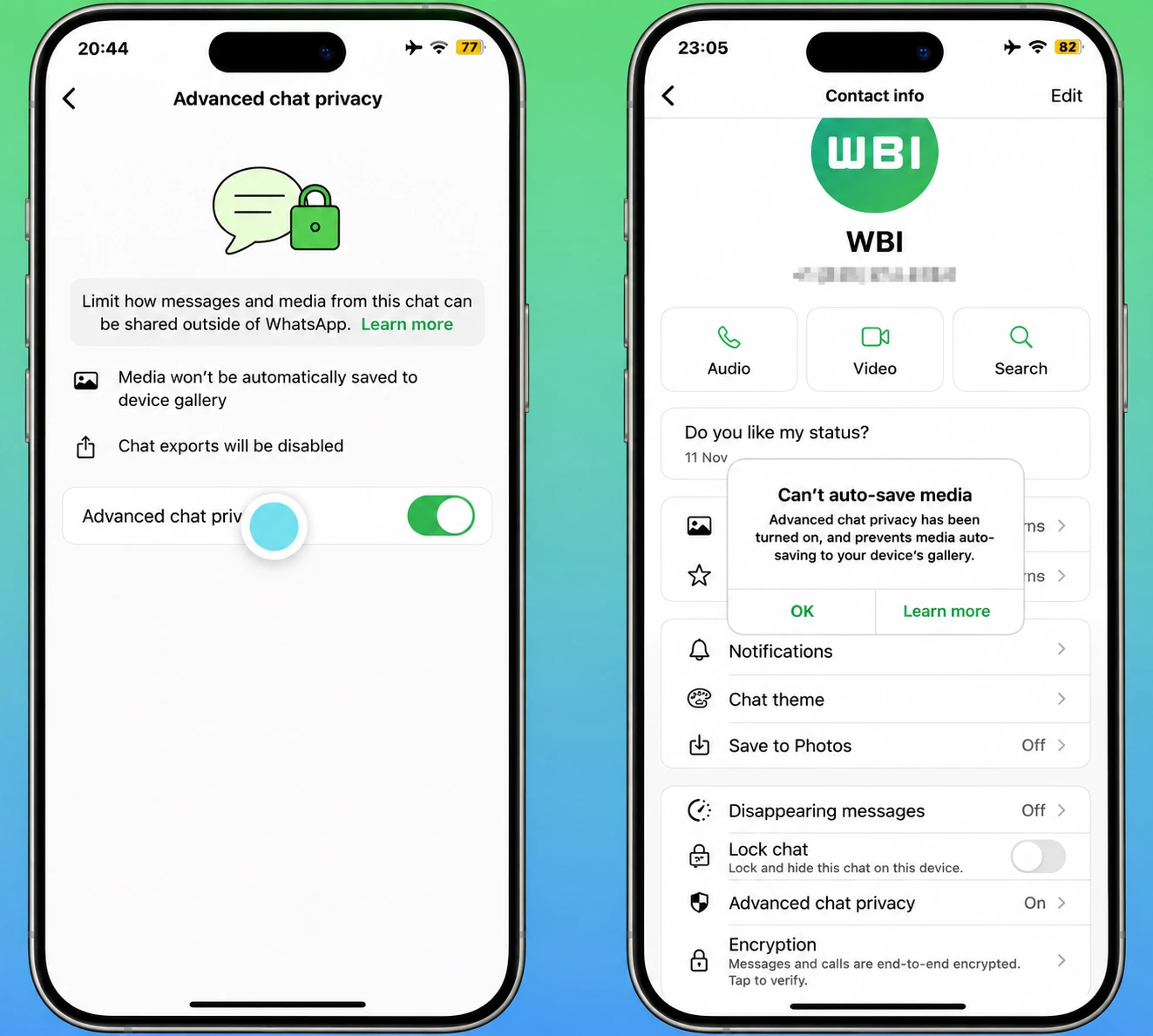
Buried inside each chat's info screen is a toggle called Advanced Chat Privacy. Turning it on for a specific conversation does three things at once: media sent in that chat stops auto-downloading to your phone's camera roll or gallery, the chat can no longer be included in a chat export, and — this is the part that surprises people — other participants in the chat lose the ability to forward media you've sent them elsewhere in WhatsApp.
It's a per-chat setting rather than a global one, which is deliberate: a group chat with colleagues might warrant it, while a chat with a close family member might not. The forwarding restriction is enforced on WhatsApp's side of the protocol, but keep the same caveat in mind as with view-once media below — it stops in-app forwarding and export, not a screenshot or a second phone photographing the screen.
4. IP address protection during calls
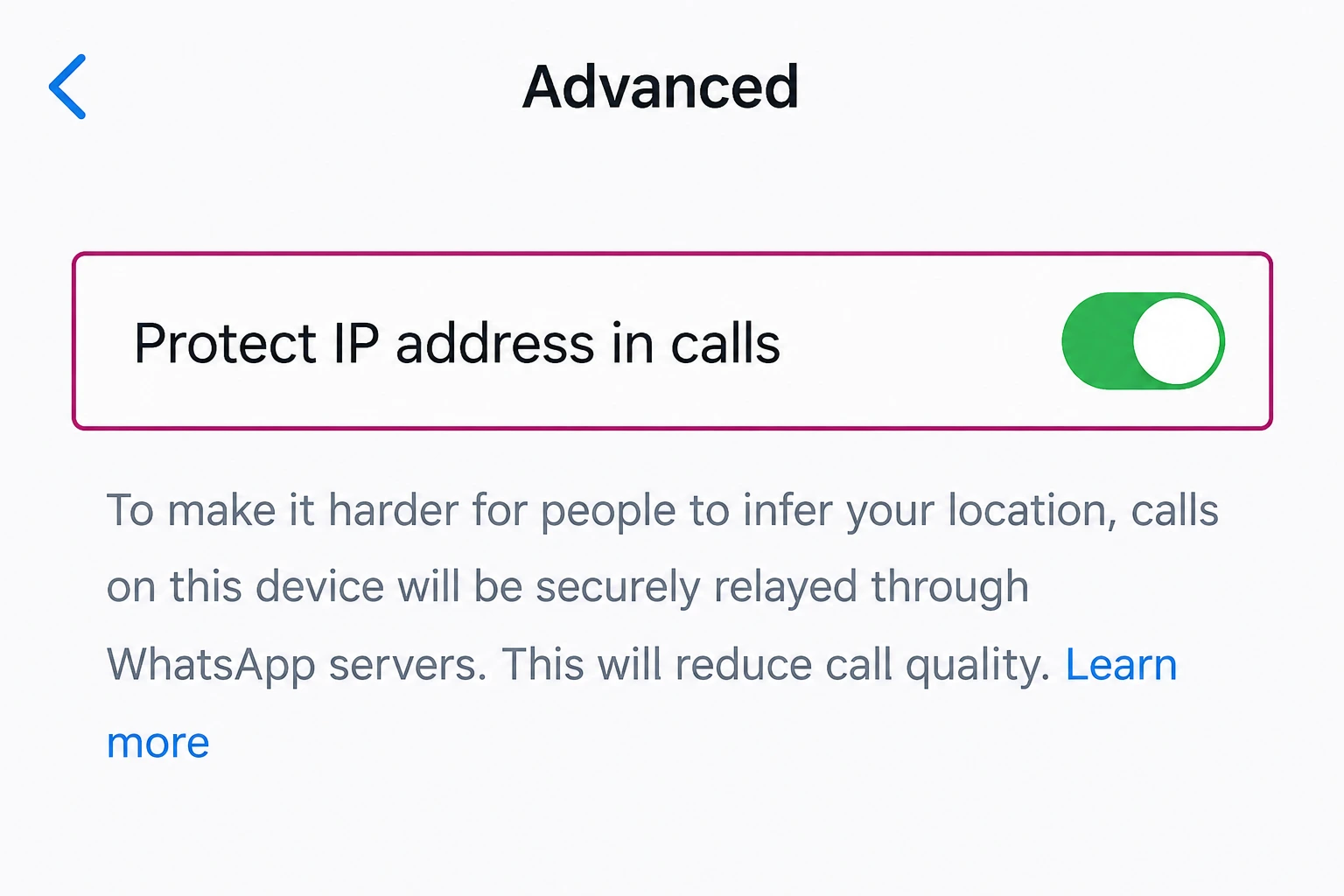
WhatsApp calls default to a direct, peer-to-peer connection between callers when network conditions allow it, since it's the lowest-latency path. The side effect is that a direct connection exposes each caller's IP address to the other party — enough, in some cases, to approximate someone's location or ISP through a simple IP lookup.
Settings > Privacy > Advanced > Protect IP Address in Calls forces every call, one-on-one or group, through WhatsApp's own relay servers instead, so the person on the other end sees Meta's server IP rather than yours. This has been available since late 2023 and is one of the few messaging-app settings that meaningfully closes a real, commonly exploited leak — most competing apps don't offer an equivalent toggle at all. The trade-off is the same one described in our OpenVPN explainer for any relayed connection: an extra hop can very occasionally cost a few milliseconds of latency or a slightly lower ceiling on call quality during an already weak connection.
5. Disappearing messages and view once media
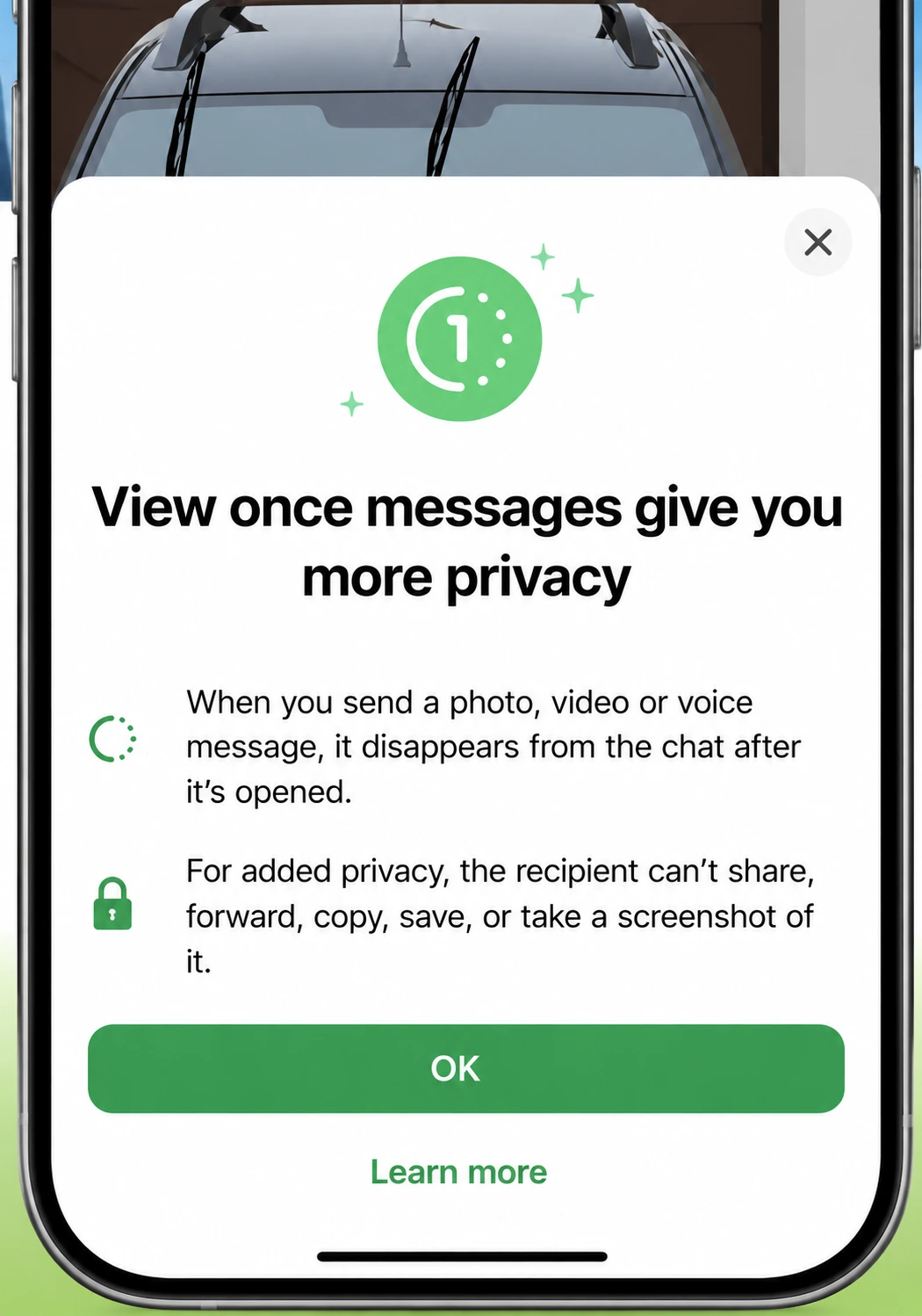
Disappearing messages auto-delete new messages in a chat after a timer you set — 24 hours, 7 days, or 90 days — and can now be applied as a default for every new chat you start from Settings > Privacy > Default Message Timer. View once, a separate feature, deletes a specific photo or video from the chat as soon as the recipient closes it, regardless of any disappearing-messages timer set for the conversation.
What these features actually stop
- Content lingering in chat history indefinitely
- In-app forwarding of view-once media
- The in-app screenshot shortcut on view-once content
What they don't stop
- A second device photographing or recording the screen
- Screen recording software on a rooted or jailbroken device
- Content already saved before the timer or view-once opened
Treat both features as reducing the amount of your data sitting in one place over time, not as a guarantee against a determined recipient. The threat model they're built for is accidental exposure — a lost phone, a shoulder-surfing stranger, a backup falling into the wrong hands — rather than a recipient who's actively trying to preserve what you send.
6. Passkeys and two-step verification
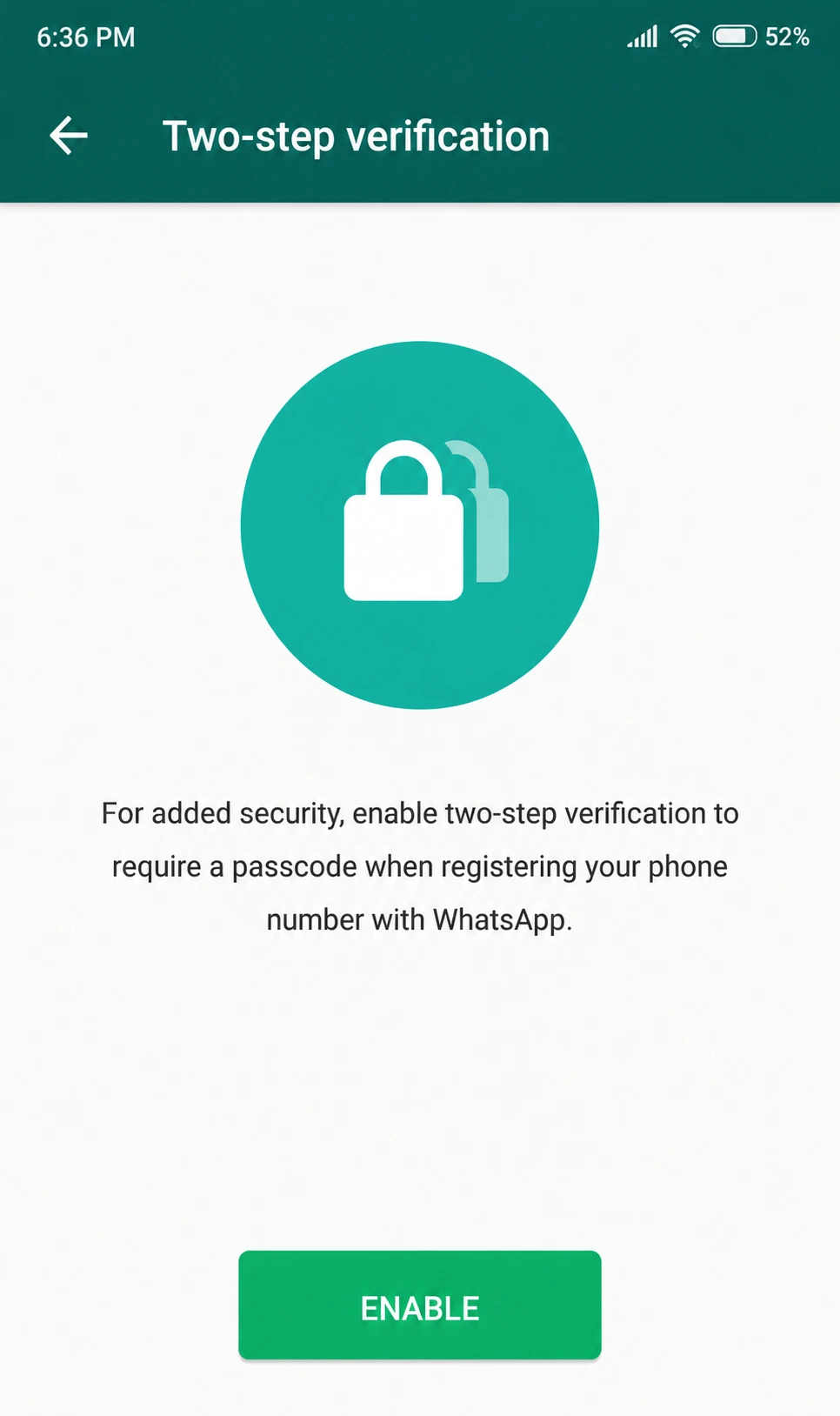
Two-step verification adds a six-digit PIN, plus an optional recovery email, that WhatsApp asks for periodically and whenever your number gets re-registered on a different device. It exists specifically to block SIM-swap and social-engineering attacks — the common pattern where an attacker convinces a carrier to port your number, then tries to register WhatsApp on their own phone using it.
Passkeys, rolled out more recently, replace that PIN with device-bound biometric authentication synced through Apple's or Google's passkey infrastructure — there's no shared secret to phish, guess, or leak in a data breach, since the private key never leaves your device. Passkeys and two-step verification aren't mutually exclusive; enabling a passkey doesn't retire the phone-number-based account recovery flow that two-step verification also governs, so it's worth keeping both configured rather than treating one as a straight replacement for the other.
7. Granular control over who can find and add you
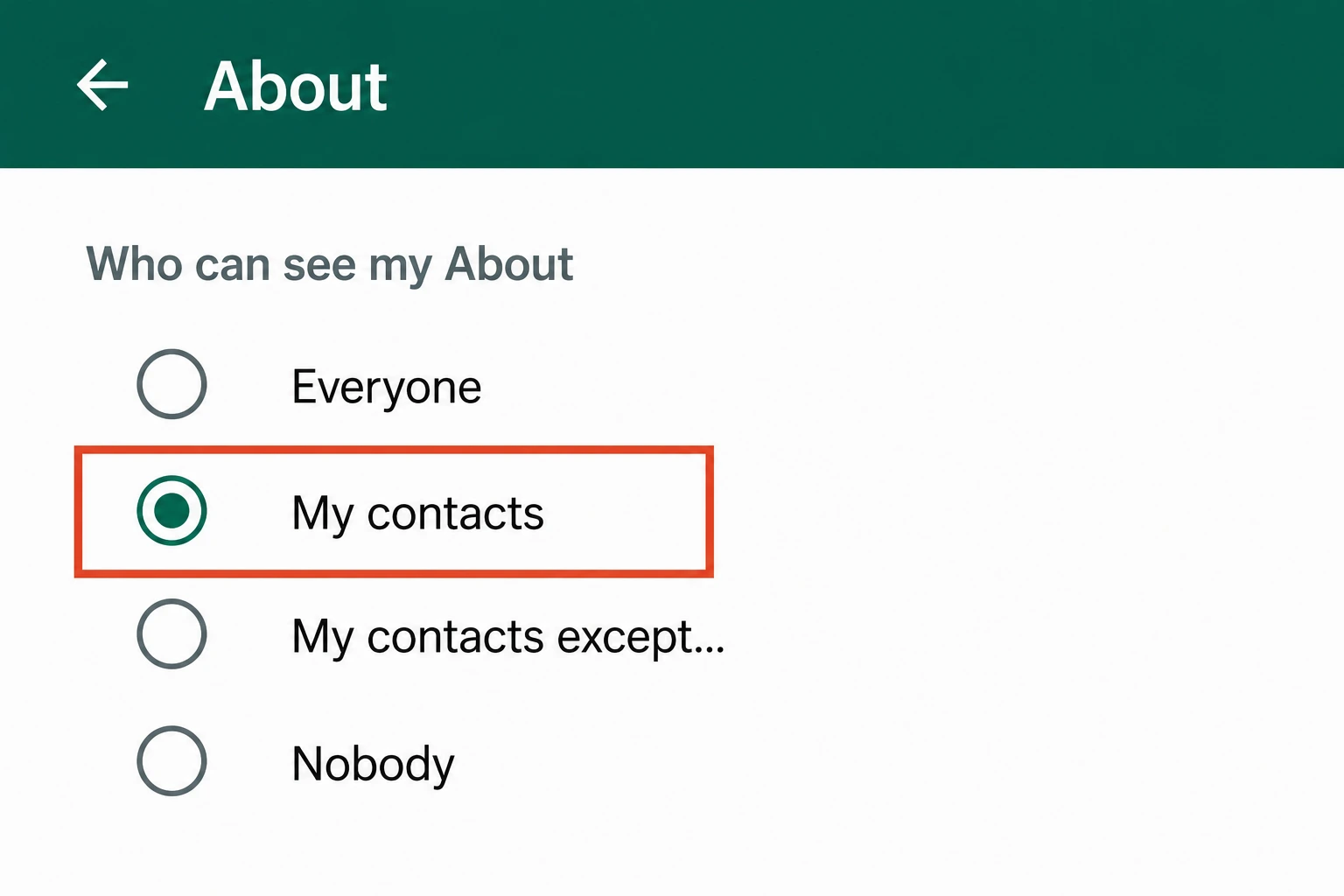
Under Settings > Privacy, each of these can be independently set to Everyone, My Contacts, My Contacts Except…, or Nobody: Last Seen, Online status, Profile Photo, About, Status updates, and — the one people forget exists — Groups, which controls who can add you to a group chat without asking first.
Two mechanics worth knowing before you rely on these: setting Last Seen to Nobody automatically hides your own view of everyone else's Last Seen too, since WhatsApp enforces that setting reciprocally rather than letting you see others' status while hiding your own. And Read Receipts (the blue double-check marks) is a single global toggle, not a per-chat one — turning it off hides your read status in one-on-one chats, but group chat admins can typically still see who has read a message regardless of that setting.
For anyone setting these up for the first time, WhatsApp's built-in Privacy Checkup (Settings > Privacy > Privacy Checkup) walks through most of the settings above in sequence and is a faster starting point than hunting through menus one at a time.
Does turning on Chat Lock hide a conversation from someone who already has my phone unlocked?
Only if you've also set a secret code. Fingerprint or face-based Chat Lock still shows a "Locked Chats" folder in your chat list — anyone holding your unlocked phone can see that folder exists, even if they can't open it. A secret code with "Hide Locked Chats" turned on removes that folder from view entirely; it only reappears when you type the code into the search bar. Without the secret code, Chat Lock hides content, not the fact that something is hidden.
Can WhatsApp read my messages if they're end-to-end encrypted?
Not the message content itself. The Signal Protocol that WhatsApp licenses generates encryption keys on your device and the recipient's device, and Meta's servers only ever handle the encrypted blob. What Meta can still see is metadata — who you messaged, when, how often, and your approximate location from IP data — none of which end-to-end encryption protects. Group metadata and undelivered message backups (if iCloud/Google Drive backup isn't separately encrypted) sit outside that protection too.
Does the "Protect IP Address in Calls" setting affect call quality?
A little, for some calls. Routing audio and video through WhatsApp's relay servers instead of a direct peer-to-peer connection adds a hop, which can add a few milliseconds of latency and occasionally reduce quality on already-poor connections. For most people on reasonable Wi-Fi or LTE, the difference isn't noticeable, and the setting is on by default for one-on-one calls as of the 2023 rollout.
Can a view-once photo still be saved by the person who receives it?
Yes, and this is the setting's most commonly misunderstood limitation. WhatsApp blocks the recipient's in-app screenshot and forward buttons for view-once media, but nothing stops a second device pointed at the screen, and on some Android builds screen recording software can still capture it. View once removes the media from WhatsApp's own chat history after it's opened — it isn't a technical guarantee against every form of capture.
Is a WhatsApp passkey the same thing as two-step verification?
No, they solve different problems. Two-step verification adds a six-digit PIN that's asked for periodically to stop someone from re-registering your phone number on a new device without your consent. A passkey replaces that PIN with device-bound biometric authentication (fingerprint or face) tied to Apple's or Google's passkey infrastructure, so there's no PIN to phish or forget. You can enable a passkey in addition to two-step verification; the passkey doesn't remove the phone-number-based account recovery that two-step verification also governs.
Who can still see my profile photo and last seen if I set them to "Nobody"?
Setting Last Seen to Nobody automatically hides your own view of other people's Last Seen as well — WhatsApp enforces reciprocity on that specific setting. Profile photo, About, and Online status don't follow the same rule and can be restricted independently. None of these settings hide your activity from WhatsApp itself, and group admins can typically still see when you've read messages inside that group regardless of your personal read-receipt setting.