Quick answer
Gemini Notebook does not use your uploaded documents to train Google's AI models by default, on either a personal or Workspace account — but "by default" is doing a lot of work in that sentence. On a personal Google account, the moment you tap thumbs-up or thumbs-down on a response, Google's own documentation says the full context of that interaction — your prompts, your uploaded sources, and the model's output — goes to human reviewers and is retained for up to three years. On a Google Workspace or Workspace for Education account, that human-review path doesn't exist at all, even if you give feedback.
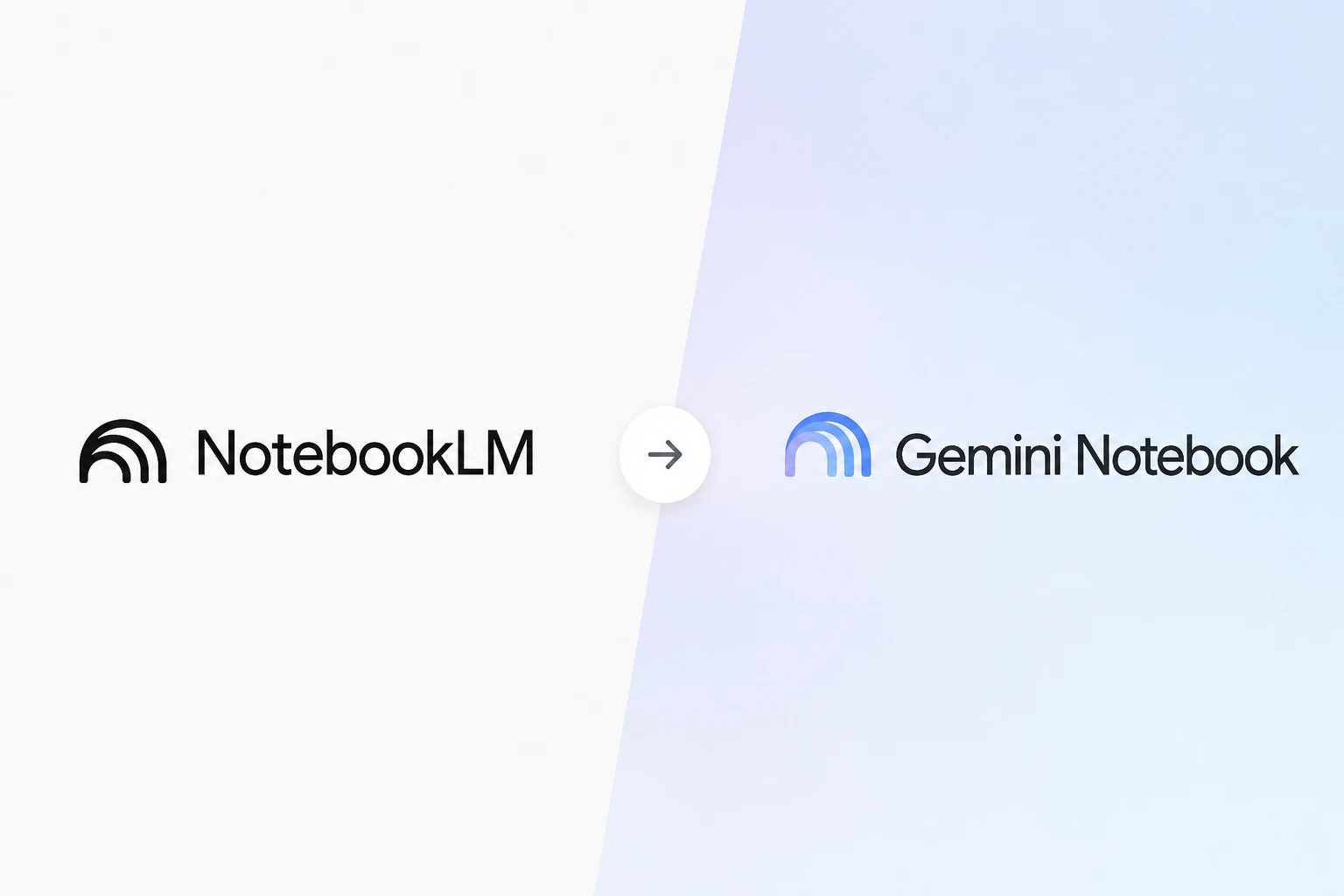
The July 16, 2026 rename from NotebookLM to Gemini Notebook didn't touch either of those rules, but it did add something new worth knowing about: every notebook now comes with a sandboxed "cloud computer" that can write and execute code against your files, and the wider Gemini ecosystem this product now sits inside gained the ability to pass your data to third-party services like Instacart and Canva through a feature called Connected Apps — a genuinely different privacy surface than the one NotebookLM shipped with a week earlier.
What Gemini Notebook actually is
Google first showed the tool at I/O 2023 under the working title Project Tailwind, then launched it publicly as NotebookLM. The pitch was simple: upload your own documents, and an AI assistant answers questions and summarizes them, citing exactly which source and passage backs each claim — a design meant to keep it grounded in what you gave it rather than the open internet.
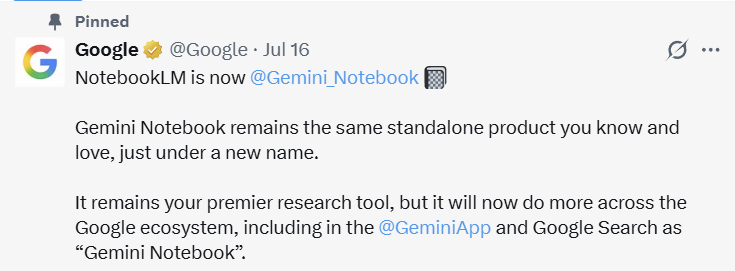
It grew fast. By the time of the rename, Google reported more than 30 million individual users and over 600,000 organizations on the product. On July 16, 2026, Google renamed it to Gemini Notebook, tying it explicitly to the Gemini brand the way it did when Bard became Gemini in February 2024. Josh Woodward, VP of Google Labs, framed it as "the same standalone product, now doing more across the Google ecosystem."
What data it collects from you
Four categories of data pass through the product, and they're treated differently from each other.
Uploaded sources
Google Docs and Slides, PDFs, plain text and markdown files, web URLs, pasted text, public YouTube video URLs, and audio files. Each source can run up to 500,000 words or 200 MB per file, with a per-notebook cap on total sources that varies by tier. These are stored until you delete them, and they're what the model is grounded in when it answers a question.
Queries and chat responses
What you type and what the model replies. Under normal use this stays inside your account's context; it's the feedback pathway described below that changes what happens to it.
Audio and video overview outputs
The "podcast-style" audio summaries and newer video overviews are generated outputs stored in your notebook alongside your sources, subject to the same deletion and retention rules as everything else you create there.
Feedback data (the one people miss)
Thumbs-up or thumbs-down ratings, and any comment you attach to them. This is the category that unlocks human review, and it's covered in detail below because the terms genuinely differ by account type.
Does it train Google's AI on your files?
Not by default, on any account type. Google's help documentation states plainly that Gemini Notebook is not used to train AI models unless you explicitly provide feedback, and even then, training is only one possible use of that feedback — the immediate purpose is quality review, not automatic model training.
What Google's documentation is precise about, and what most secondary coverage flattens into "your data is safe," is what actually happens when you do provide feedback. Per Google's own support pages: feedback is reviewed by "specially trained teams," with your Google Account disconnected from the submission before a human reviewer sees it, and the associated content — including your prompts, sources, uploads, and outputs — is retained for up to three years. That's a specific, named retention window, not a vague "as needed" clause, and it applies to the actual content of your interaction, not just metadata about it.
There's a second detail worth knowing if you use Gemini chats alongside your notebooks: feedback review can include any Gemini chats pulled into your notebook context, even if your Gemini Apps Activity setting is turned off. Turning off activity tracking in your account settings doesn't retroactively exempt content you've already pulled into a notebook's working context from this specific feedback-review pathway.
The account-type divide that actually matters
This is the single biggest privacy variable in the product, and it has nothing to do with which plan tier you pay for — it's about whether you're logged in with a personal Google account or an organizational one.
On a Google Workspace or Workspace for Education account, Google's language is unusually direct: your uploads, queries, and the model's responses will not be reviewed by human reviewers, and will not be used to train AI models — and that holds even when you submit thumbs-up or thumbs-down feedback. In early 2025, Google formally classified NotebookLM as a Workspace "Core Service," putting it under the same contractual data-processing terms as Gmail and Drive rather than the more permissive consumer terms.
On a personal (consumer) account, none of that applies. The feedback-review pathway described above is live, retention runs up to three years on reviewed content, and — a detail flagged by data-protection educators rather than Google itself — public notebook-sharing links are a feature available specifically on consumer accounts, which schools and businesses using personal accounts for institutional work should treat as a real exposure path, not just a theoretical one.
| Data handling | Personal account | Workspace / Education account |
|---|---|---|
| Trains AI models by default | No | No |
| Human review possible via feedback | Yes | No, even with feedback submitted |
| Reviewed-content retention | Up to 3 years | Governed by org's Workspace agreement |
| Public link sharing available | Yes | Admin-controlled |
| Classified as Workspace Core Service | N/A | Yes, since early 2025 |
What the rename actually changed
The name and logo are cosmetic. What's genuinely new is a sandboxed cloud computer attached to every notebook, capable of writing and executing code against your uploaded files for data analysis — a real architectural shift, since the prior version was purely retrieval-based: it could tell you what a spreadsheet said, but it couldn't compute on it. That capability is live now for Google AI Ultra subscribers and Workspace customers with AI Ultra or AI Expanded Access, with a rollout to standard AI Pro subscribers ($20/month) planned in the coming weeks; Google hasn't published which specific data-handling terms apply to code run and stored inside that sandboxed environment separately from ordinary notebook content.
The second change is broader than Gemini Notebook itself but affects the ecosystem it now sits inside more tightly: Google's AI Mode in Search gained Connected Apps, letting Gemini pass structured data — including, per Google's own privacy language, data like your name and address or info you find sensitive — to services like Instacart, Canva, and YouTube Music to complete tasks on your behalf, with Google's policy explicitly noting that "some data may be accessed by human reviewers" in that flow. Google has said Gemini Notebook content will become usable inside AI Mode "soon," without a firm date, which is worth watching rather than assuming won't affect notebook data at all.
The public-link sharing risk
A scenario security consultants have specifically flagged: someone uploads a client's strategic document to a personal Gemini Notebook account, then shares the notebook via a public link with a colleague to save time. That link makes the source document reachable by anyone who has it — not just the intended recipient — with no audit trail, no data-residency control, and no recovery path if the original account is later deleted. This isn't a bug in the product; public sharing is a documented, intentional feature on consumer accounts, which is exactly why it's easy to use without registering it as a governance decision.
What's actually safe to upload
Given everything above, the practical line most data-protection guidance converges on isn't "never use it" — it's matching the account type to the sensitivity of the document.
- Low-sensitivity personal research, public documents, published articles: fine on a personal account under default settings; just don't submit feedback on notebooks containing anything you wouldn't want a human reviewer reading for up to three years.
- Client work, unpublished research, business strategy, anything under an NDA: use a Workspace account with the Core Service protections, not a personal Gmail login, and avoid public-link sharing entirely in favor of named-recipient sharing.
- Regulated data — health records, legal privilege, financial account details, anything with FERPA, HIPAA, or similar obligations attached: requires your organization's compliance sign-off regardless of account type; Google's architecture reduces certain risks but doesn't eliminate the need for that review.
Frequently asked questions
Is NotebookLM's name actually changed?
Yes. Google renamed NotebookLM to Gemini Notebook on July 16, 2026. It's a rebrand, not a new product — Josh Woodward, VP of Google Labs, described it as "the same standalone product, now doing more across the Google ecosystem," and the underlying website address (notebooklm.google.com) still works.
Did my old NotebookLM notebooks survive the rename?
Yes. Google's Workspace update notice states that automatic redirects keep existing shared notebooks and links working, and the underlying website address (notebooklm.google.com) continues to function. Nothing needs to be migrated or re-uploaded.
Can Google read my uploaded documents at all?
Not as a matter of routine use. The product is designed to ground its answers only in what you've uploaded rather than browsing the open internet. Human access happens specifically through the feedback-review pathway on personal accounts, or in response to legal process — not as part of normal operation.
Is the new code-execution feature a privacy risk?
It's a new capability whose specific data-handling terms Google hasn't separately published yet, which is itself worth noting rather than assuming is covered identically to ordinary notebook storage. Until Google clarifies retention and access rules for code and outputs generated inside the sandboxed environment specifically, treat it with the same caution as any other new processing surface attached to your files.
Does turning off Gemini Apps Activity stop all data collection in Gemini Notebook?
No. It limits certain activity logging, but Google's own documentation notes that Gemini chats pulled into a notebook's context can still be included in feedback review even when that setting is off. Source files you add to a notebook are governed separately, under the notebook's own storage and deletion controls.