The short version
- US availability Banned since Sept 2024
- AV-TEST score Consistently near-perfect
- Free tier Yes, plus a free trial
- Based in Moscow, Russia
Kaspersky is a Moscow-founded cybersecurity company whose malware detection engine consistently ranks among the best in independent lab testing — AV-TEST results throughout 2024, 2025, and 2026 show it matching or beating every major Western competitor on raw detection rates. It's also the only major consumer antivirus brand under a complete US federal ban: as of September 29, 2024, it is illegal for Kaspersky to sell software or provide updates to US customers, following a US Department of Commerce investigation that concluded the company poses an "undue or unacceptable" national security risk.
If you're in the US, this review is mostly informational — you can't legally buy or renew Kaspersky, and existing installs stopped receiving threat updates in late 2024. If you're outside the US, Kaspersky remains a fully available, actively updated, well-tested product, and the rest of this review covers what it actually offers: its VPN, parental controls, business tiers, pricing, and downloads. Both halves matter, and skipping either one would leave you with a wrong picture.
What Kaspersky is
Kaspersky Lab was founded in Moscow in 1997 by Eugene Kaspersky, a mathematician and computer scientist who developed his interest in security after removing a virus from his own work computer in 1989. He became CEO in 2007 and remains so today. The company is privately held, reports serving hundreds of millions of users globally, and runs GReAT (Global Research and Analysis Team), a threat-intelligence research group whose public reporting has helped uncover and document several major nation-state cyberespionage campaigns over the years — a genuine, widely cited technical credential in the security research community, separate from the trust questions covered below.
Kaspersky also runs education and outreach programs, including the Kaspersky Academy Alliance, a university partnership program spanning roughly 200 institutions worldwide, and student cybersecurity competitions aimed at growing the talent pipeline into the field. None of that changes the regulatory picture covered next, but it's part of a fuller picture of what the company actually does day to day.
Is Kaspersky banned in the US
Yes — fully. As of September 29, 2024, Kaspersky is prohibited by the US Department of Commerce from selling any cybersecurity or antivirus product to US customers, or providing security updates to software already installed in the US. This isn't a restriction on government use only; it covers individual consumers and businesses alike. The path to this point took years, not one sudden decision:
- 2017 — The Department of Homeland Security issued Binding Operational Directive 17-01, banning Kaspersky software from federal civilian and military networks — the first US government-wide restriction.
- March 2022 — The Federal Communications Commission added Kaspersky to its Covered List of communications equipment and services posing a national security threat.
- June 20, 2024 — The Commerce Department's Bureau of Industry and Security (BIS) issued a Final Determination, its first of this kind against a security software company, concluding that Kaspersky's Russian ownership creates a risk that Russian authorities could compel the company to "collect and weaponize sensitive US information," in the words of then-Commerce Secretary Gina Raimondo.
- July 20, 2024 — New sales of Kaspersky products to US persons became illegal.
- September 29, 2024 — All remaining transactions, including antivirus signature and codebase updates, became illegal. The US Treasury's OFAC separately sanctioned several Kaspersky leadership figures the same week.
Kaspersky has consistently and publicly denied that it has ever helped, or would help, any government with cyberespionage, and proposed an independent verification framework for its code and updates as an alternative to a ban — an offer the US government didn't accept. The BIS determination doesn't allege a specific proven incident of espionage through Kaspersky software; it's a forward-looking risk determination based on Kaspersky's Russian jurisdiction and applicable Russian law, not a finding that spying has already occurred through the product.
Kaspersky arranged for its roughly one million US customers to be automatically migrated to UltraAV, a product from Pango Group, starting September 19, 2024 — ahead of the September 29 deadline. On Windows specifically, this meant Kaspersky's software uninstalled itself and UltraAV installed itself without requiring the user to click anything. Many affected customers said on social media and in Kaspersky's own community forums that they had no advance warning and were alarmed to find their antivirus replaced overnight; some initially suspected their systems had been compromised by malware. Kaspersky and Pango maintained that email notifications went out roughly two weeks ahead of the change. If you're a former US Kaspersky customer who never opted into that switch and still has questions about what's now running on your device, checking your installed-programs list for UltraAV or UltraVPN is the fastest way to confirm what happened.
Kaspersky's transparency efforts
Kaspersky's answer to years of national-security scrutiny predates the 2024 ban by seven years. In 2017, the company launched its Global Transparency Initiative (GTI), which included relocating the storage and processing of threat-related customer data for the US, Canada, and Europe from Russia to two data centers in Zurich, Switzerland — completed in stages between 2018 and 2020. Kaspersky also opened multiple "Transparency Centers," including one in North America, where governments and partners can review source code and update processes under supervision, and says it has undergone a SOC 2 audit by a major accounting firm and holds ISO 27001 certification for its data services.
None of that satisfied US regulators, whose Final Determination is based on the legal reach Russian law could theoretically exert over a Russian-headquartered company and its leadership, regardless of where the company's servers physically sit — a jurisdictional argument that a data-center relocation doesn't fully resolve on its own. Whether the GTI is a meaningful mitigation or an insufficient one is a judgment call outside the scope of a product review; what's factual is that it exists, is independently verifiable to some degree by governments willing to use the Transparency Centers, and didn't change the outcome for US availability.
Malware detection and lab scores
Independent testing outside the US consistently ranks Kaspersky among the top two or three performers on raw detection. AV-TEST's rounds through early 2026 recorded Kaspersky at 99.9% detection for Android malware and 100% for zero-day attacks, with Windows results reaching 100% detection in both categories in the same period — figures that hold up whether you check AV-TEST directly or cross-reference against AV-Comparatives and other independent hands-on testing.
The technical strength of Kaspersky's engine isn't the part of this review in dispute. The US ban is a jurisdictional and trust decision, made by regulators who don't contest that Kaspersky's software works well at its core job — they contest who might theoretically be able to compel changes to it.
Kaspersky Standard, Plus, and Premium
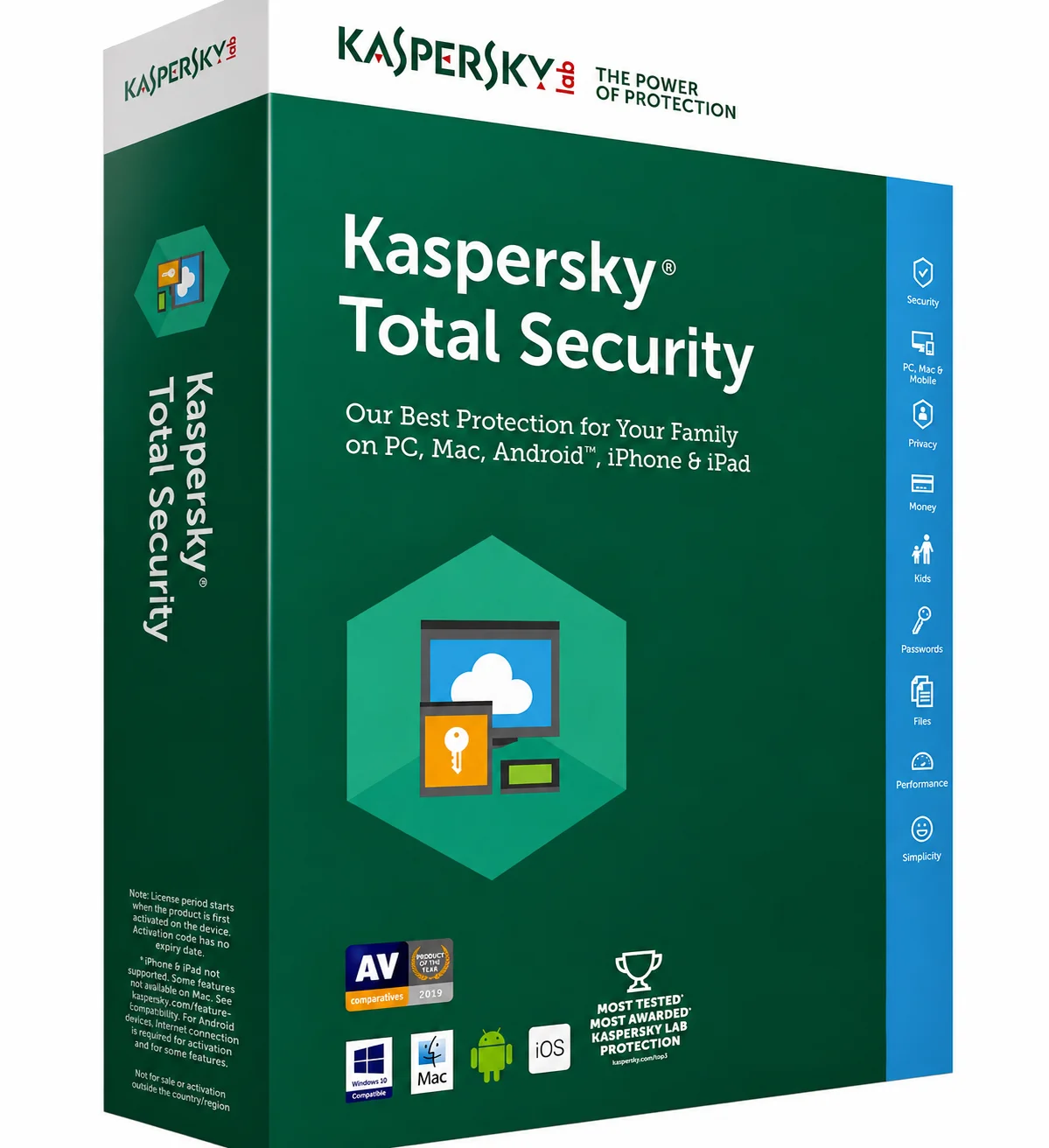
Outside the US, Kaspersky's consumer lineup runs three tiers, plus a free entry point:
- Kaspersky Free — real-time malware protection, a network attack blocker, safe browsing, and mail/IM protection. No VPN, password manager, or parental controls. A genuinely usable baseline, not a crippled trial.
- Kaspersky Standard — adds ransomware protection, a firewall, performance optimization tools, and covers up to 3, 5, or 20 devices depending on the specific plan purchased.
- Kaspersky Plus — adds an unlimited-data VPN and a password manager on top of Standard, plus data-leak checking. This is the tier most reviewers recommend as the best value for most households.
- Kaspersky Premium — adds an identity protection wallet, remote-access-attempt detection, a smart-home device scanner, 24/7 remote IT support, and one free year of Kaspersky Safe Kids (covered below), after which Safe Kids becomes a separate subscription.
Plus is the practical sweet spot for most people specifically because Standard's device-level protection is strong on its own, and the jump to Plus is where you actually gain a usable, unlimited VPN rather than paying extra mainly for support perks you may not need. If you already keep your logins in a password manager elsewhere, you can sanity-check what's in it with our password strength checker.
Kaspersky VPN Secure Connection
Kaspersky's bundled VPN — included unlimited on Plus and Premium, or purchasable standalone starting around $2.50/month — offers a straightforward, no-frills VPN experience: no-logs claims, a kill switch, and automatic connection on unsecured Wi-Fi. It's a smaller server network than dedicated providers like ExpressVPN or Surfshark offer, and it lacks some of the specialized features — obfuscation for restrictive networks, MultiHop routing, dedicated streaming servers — that a purpose-built VPN provider invests in. Given the broader trust and jurisdiction questions already covered in the ban section above, anyone specifically prioritizing VPN privacy in a hostile threat model has more reason than usual to compare Kaspersky's VPN against an independently audited standalone option rather than defaulting to the bundled one — our best VPNs of 2026 roundup covers those. It also helps to know exactly what a VPN hides before weighing a bundled one against a standalone. You can check any VPN's actual leak behavior yourself with our own DNS leak test and WebRTC leak test.
Kaspersky Safe Kids
Kaspersky Safe Kids is a separate parental-control app, included free for one year with Premium and available as its own subscription afterward or independently of any antivirus plan. It covers screen-time scheduling per device, app and website category blocking, location tracking, and YouTube search monitoring, and is regularly cited by independent reviewers as one of the stronger parental-control suites on the market, distinct from Kaspersky's own antivirus reputation questions. It requires installing a separate app on the child's device, similar to how Norton Family or Bitdefender's parental controls work outside their respective main apps.
Kaspersky Virus Removal Tool
The Kaspersky Virus Removal Tool (KVRT) is a free, standalone scanner separate from any subscription — no installation required, no account needed, and no real-time protection included. It's designed for a one-time, on-demand deep scan to remove an active infection from a Windows PC, not for ongoing protection. Run it, let it scan and clean, and either delete it afterward or keep it on hand for future one-off checks. It's a useful tool specifically for a machine you suspect is already infected and don't yet have a full antivirus installed on, rather than a replacement for real-time protection.
Download for every device
Windows
- Choose a plan (or the free tier) at kaspersky.com — outside the US only, per the ban covered above.
- Download the installer directly from the site or your My Kaspersky account.
- Run the installer and follow setup.
- Sign in with your My Kaspersky account to activate.
- Run an initial full scan to confirm the install is working correctly.
Mac
- From your My Kaspersky account, download the macOS installer.
- Open the file and follow the setup prompts.
- Approve the system extension permissions macOS requests for real-time scanning — standard for any security app on macOS.
- Sign in and let the initial setup complete.
Android
- Open Google Play and search "Kaspersky," or follow the link from your My Kaspersky account.
- Install the app, open it, and sign in.
- Grant the permissions requested for real-time protection and anti-theft features, if your plan includes them.
iOS (iPhone and iPad)
- Open the App Store and search "Kaspersky Security Cloud" or the current iOS app name shown on Kaspersky's download page.
- Install and sign in with your account.
- Note that, as with every iOS security app, Apple's platform restrictions mean the iOS app focuses on web protection, VPN, and account monitoring rather than a traditional on-device malware scanner.
There's no standalone consumer Linux desktop app in Kaspersky's home lineup — Linux protection is available through the business Endpoint Security platform covered next, aimed at servers and business workstations.
Kaspersky Endpoint Security
Kaspersky Endpoint Security is the company's business-facing platform, covering Windows, Mac, and Linux endpoints across an organization from a centralized management console. It includes behavior-based detection, exploit prevention, and — depending on the tier — extended detection and response (EDR) capabilities for larger security teams tracking threats across many devices at once. Independent lab results for the business product have historically tracked closely with the consumer engine's strong detection scores, since both draw on the same core research and signature infrastructure.
The Commerce Department's Final Determination isn't limited to consumer antivirus — it covers Kaspersky's cybersecurity products and services broadly, which means Endpoint Security and other business offerings are also unavailable for new US sales or updates under the same ban. Any US organization currently running Kaspersky Endpoint Security should treat this as an active compliance issue, not just a consumer-product concern, and plan a migration timeline if one hasn't already happened.
Kaspersky Small Office Security
Kaspersky Small Office Security is a scaled-down business tier built for companies with roughly 5 to 25 employees — smaller than the full Endpoint Security platform requires, but with more centralized control than a bundle of individual consumer licenses would offer. It covers file servers, workstations, and mobile devices under one license pool, with simplified management aimed at businesses without a dedicated IT security team. Like Endpoint Security, it falls under the same US sales and update ban outlined above.
Pricing and Black Friday deals
Outside the US, Kaspersky's consumer pricing runs roughly as follows, though it varies by region and shifts with promotions — confirm the live price on your country's Kaspersky site before buying.
| Plan | Approx. price | Devices | VPN |
|---|---|---|---|
| Free | Free | 1 | None |
| Standard | ~$29.99/yr | 3–20 | None |
| Plus | ~$39.99–49.99/yr | 3–20 | Unlimited |
| Premium | ~$49.99–59.99/yr | 3–20 | Unlimited + Safe Kids (1yr) |
PrivacyTestLab doesn't run an affiliate program with Kaspersky, so we don't have an exclusive discount code to offer. Kaspersky runs seasonal promotions including a Black Friday sale, which has historically offered meaningful percentage discounts off the standard first-year rate — check the official site for the current live offer rather than a third-party "exclusive" code, which rarely beats what's already discounted during a seasonal sale window.
Kaspersky by country
The US ban is the most complete restriction, but it isn't the only one. Several other governments have placed narrower limits on Kaspersky, typically restricting it on government or critical-infrastructure systems without banning consumer sales outright:
- United Kingdom — the National Cyber Security Centre (NCSC) has advised against using Kaspersky on government and critical national infrastructure systems since 2017, though it remains legally purchasable for UK consumers.
- Germany — the Federal Office for Information Security (BSI) issued a formal warning against using Kaspersky products in 2022, citing the same jurisdictional risk logic as the later US determination, though it stopped short of a legal ban for private consumers.
- Canada, Lithuania, and several other governments — have restricted Kaspersky on official government systems specifically, following a broadly similar pattern to the UK and Germany.
- Most of the rest of the world, including the EU generally, most of Asia, and Latin America — Kaspersky remains fully available for consumer and business purchase, with active updates and support.
If you're evaluating Kaspersky from outside the US, the practical question is less "is it banned" and more "does my own government's guidance affect me" — check your national cybersecurity agency's current position if you work in government, critical infrastructure, or a regulated industry, since the pattern above (government-systems restrictions without a full consumer ban) is common enough to be worth a five-minute check before you buy.
Kaspersky vs. other antivirus software
| Category | Kaspersky | Bitdefender | Norton 360 |
|---|---|---|---|
| US availability | Banned | Available | Available |
| Entry price (non-US) | ~$29.99/yr | ~$12.99–29.99/yr | ~$19.99–29.99/yr |
| Free tier | Yes | Yes (Windows only) | No |
| Independent detection scores | Excellent | Excellent | Excellent |
| Jurisdiction | Russia | Romania (EU/NATO) | US (public company) |
On pure detection performance, Kaspersky, Bitdefender, and Norton are all genuinely strong — this category has largely converged at the top on raw technical quality. The deciding factor between them, for most people, is legal availability and jurisdiction rather than a meaningful gap in malware-blocking ability, which is exactly why the ban and country-availability sections above carry as much weight in this review as the feature breakdown does.
Who Kaspersky is actually for
Outside the US, Kaspersky fits anyone who wants top-tier, independently verified malware detection at a competitive price, with a genuinely usable free tier and a well-regarded parental control product in Safe Kids. Its technical quality isn't the question mark here — it consistently performs at the same level as the best Western competitors in lab testing.
In the US, it's not a live option at all as of this writing — the product can't be purchased, and existing installs no longer receive the updates that make an antivirus useful against new threats. If you're a former US Kaspersky customer, moving to an actively updated alternative — Bitdefender and Norton 360 are the two most common US replacements — isn't optional caution, it's the practical reality of what "no more updates" means for a security product. Elsewhere, whether Kaspersky's jurisdiction is an acceptable trade-off for its detection quality and price is a judgment call your own risk tolerance and, if applicable, your employer's or government's guidance should settle — not something a lab score alone can answer for you.
Frequently asked questions
Is Kaspersky banned in the US?
Yes, completely, since September 29, 2024. The US Department of Commerce prohibited Kaspersky from selling any cybersecurity or antivirus product to US customers or providing software updates, following a national security investigation. US customers were automatically migrated to UltraAV, a product from Pango Group.
Is Kaspersky safe to use?
Its malware detection is independently verified as excellent by labs like AV-TEST. The concern isn't technical quality — it's jurisdiction: US, UK, and German government agencies have all raised the possibility that Russian law could compel Kaspersky to cooperate with government requests, a risk Kaspersky has consistently denied and disputed.
Can I still use Kaspersky if I already have it installed in the US?
Technically the software may still run, but it stopped receiving antivirus signature and codebase updates after September 29, 2024, which means it can't protect against new threats discovered since then. Most US users were automatically transitioned to UltraAV; switching to an actively updated alternative is strongly recommended if that didn't happen on your device.
Does Kaspersky have a VPN?
Yes, Kaspersky VPN Secure Connection is included unlimited on the Plus and Premium tiers, or available standalone starting around $2.50/month. It has a smaller server network and fewer specialized features than dedicated VPN providers.
Is Kaspersky free?
Yes, Kaspersky Free offers real-time malware protection, safe browsing, and mail protection at no cost, outside the US. It doesn't include the VPN, password manager, or parental controls, which require a paid tier.
What is Kaspersky Safe Kids?
A separate parental-control app covering screen-time limits, content filtering, and location tracking, included free for one year with Kaspersky Premium and available as its own subscription afterward.
What is the Kaspersky Virus Removal Tool?
A free, standalone scanner for removing an active infection from a Windows PC. It doesn't require installation or an account and provides no ongoing real-time protection — it's built for a one-time deep clean, not daily use.
Is Kaspersky restricted in other countries besides the US?
Yes, though less completely. The UK's NCSC and Germany's BSI have both advised against using Kaspersky on government and critical infrastructure systems, without banning consumer sales outright. Most of the rest of the world has no restriction at all.
Does Kaspersky offer business and endpoint protection?
Yes, Kaspersky Endpoint Security covers larger organizations across Windows, Mac, and Linux, and Kaspersky Small Office Security is a scaled-down tier for businesses with roughly 5 to 25 employees. Both fall under the same US sales and update ban as the consumer products.